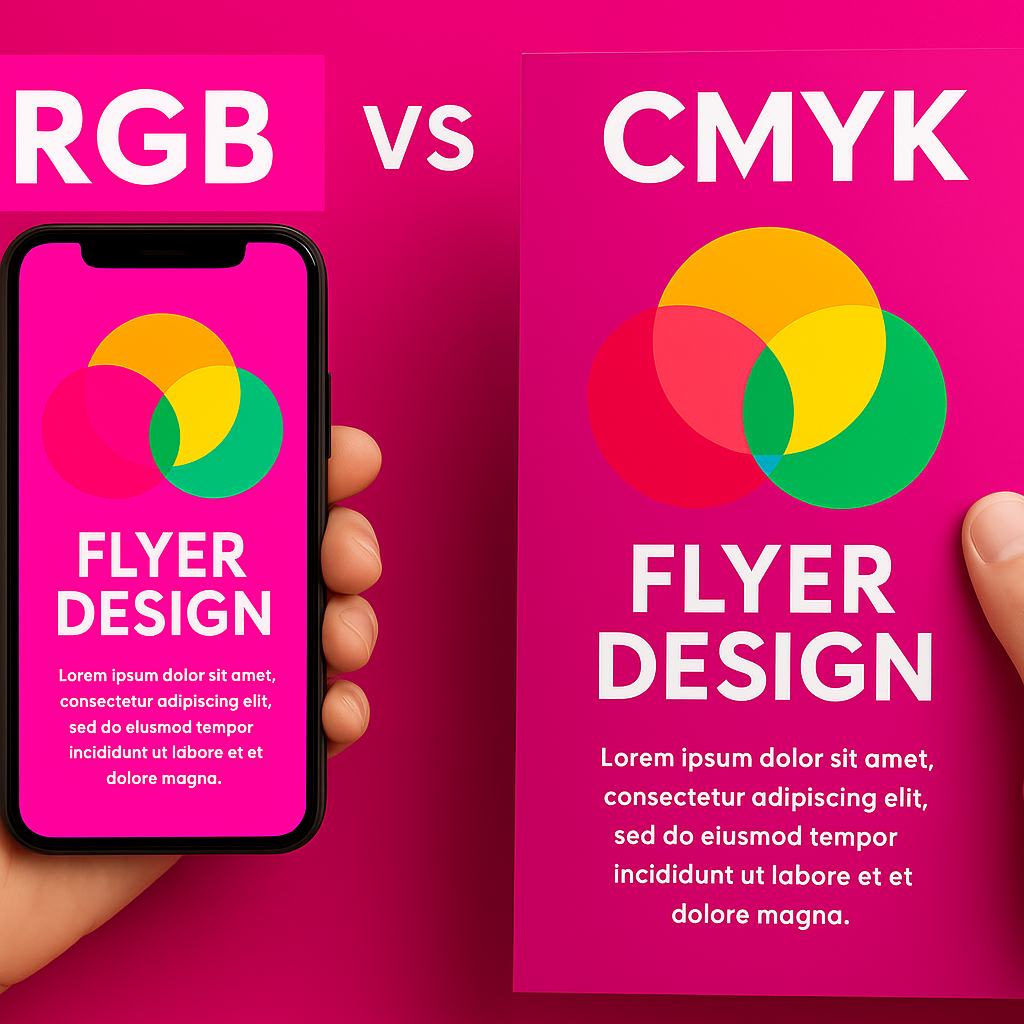
📝 Introduction
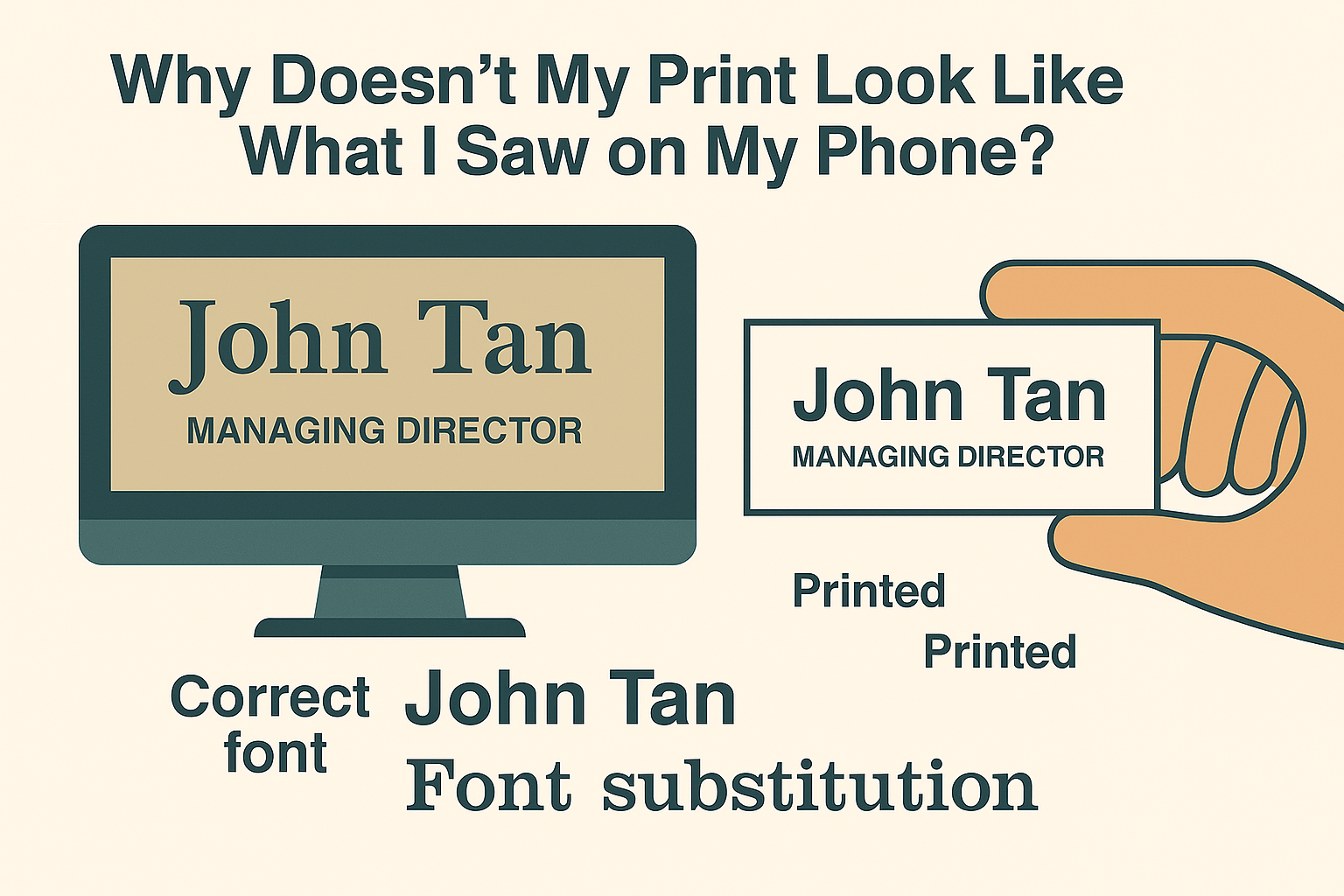
Ever printed a flyer or sticker, only to find that print colors look different from your screen?
This is one of the most common concerns faced by customers at Siang Heng Printing Services, and the answer lies in a little-known concept: RGB vs CMYK.
🔍 Why Color Shifts Happen
Most devices display colors in RGB (Red, Green, Blue), a format designed for screens that emit light—making colors appear bright and vivid.
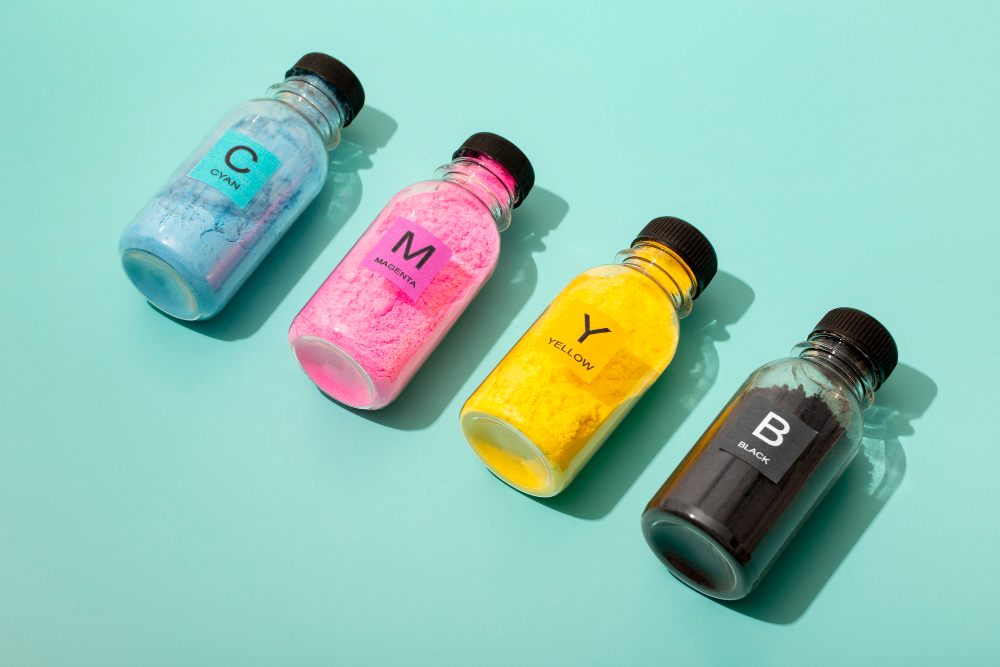
Printers, on the other hand, use CMYK (Cyan, Magenta, Yellow, Black), which relies on ink pigments rather than light.
Here’s what typically causes unexpected print results:
- Brightness boost on screens hides the true tone
- Files in RGB mode may auto-convert unpredictably when printed
- Non-calibrated monitors make colors appear different than how they’ll print
💡 How Siang Heng Printing Services Helps
At Siang Heng Printing Services, Singapore’s #1 web-to-print provider, we help customers avoid color mismatch surprises.
Before printing flyers, posters, or banners, we:
- Review your design file to check its color mode
- Convert RGB files to CMYK professionally
- Share digital proofs so you can preview how it’ll actually look
📌 Pro Tips for Accurate Color Printing
- ✅ Always design in CMYK if your work is meant for print
- ✅ Don’t rely solely on screen previews—ask for a print proof
- ✅ Use PDF or AI formats over JPEG or PNG for color fidelity
💬 Need help fixing color issues? Siang Heng Printing Services offers free file reviews for all flyer, sticker, or banner orders.
🔗 Related Services
Explore more:
🏷️ Tags
CMYK vs RGB, flyer color issues, Singapore print shop, Siang Heng Printing, digital proofing, print color differences
🖱️ Understanding Screen Calibration
Even after converting to CMYK, colors can still shift slightly between your screen and the final print. This is often because monitors and phones aren’t factory-calibrated to match print standards — brightness, contrast, and even the ambient lighting in the room you’re viewing from all affect how a design looks on-screen. Professional designers sometimes use calibrated monitors specifically for this reason, but for most customers, the simplest fix is to trust a physical or digital proof over what appears on your device.
❔ Frequently Asked Questions
Will my colors always look slightly different once printed?
Some variation is normal, even with a perfect CMYK conversion, since screens and paper reproduce color differently. Designing in CMYK from the start minimises the gap significantly.
Can you match a specific color exactly, like a brand color?
For precise brand color matching, we recommend supplying a Pantone (PMS) reference alongside your CMYK file. This gives our team a target to match against during printing.
Do you provide a physical proof before the full print run?
Yes, for larger orders we can arrange a physical proof on request, in addition to the digital proof we share before every job. This is the most reliable way to confirm print colors look accurate before your full run goes to print. For a deeper technical explanation of why print colors look different from screen colors, see this RGB color model reference. Ready to order? Browse our flyer printing or sticker printing range — every order includes a free digital proof.