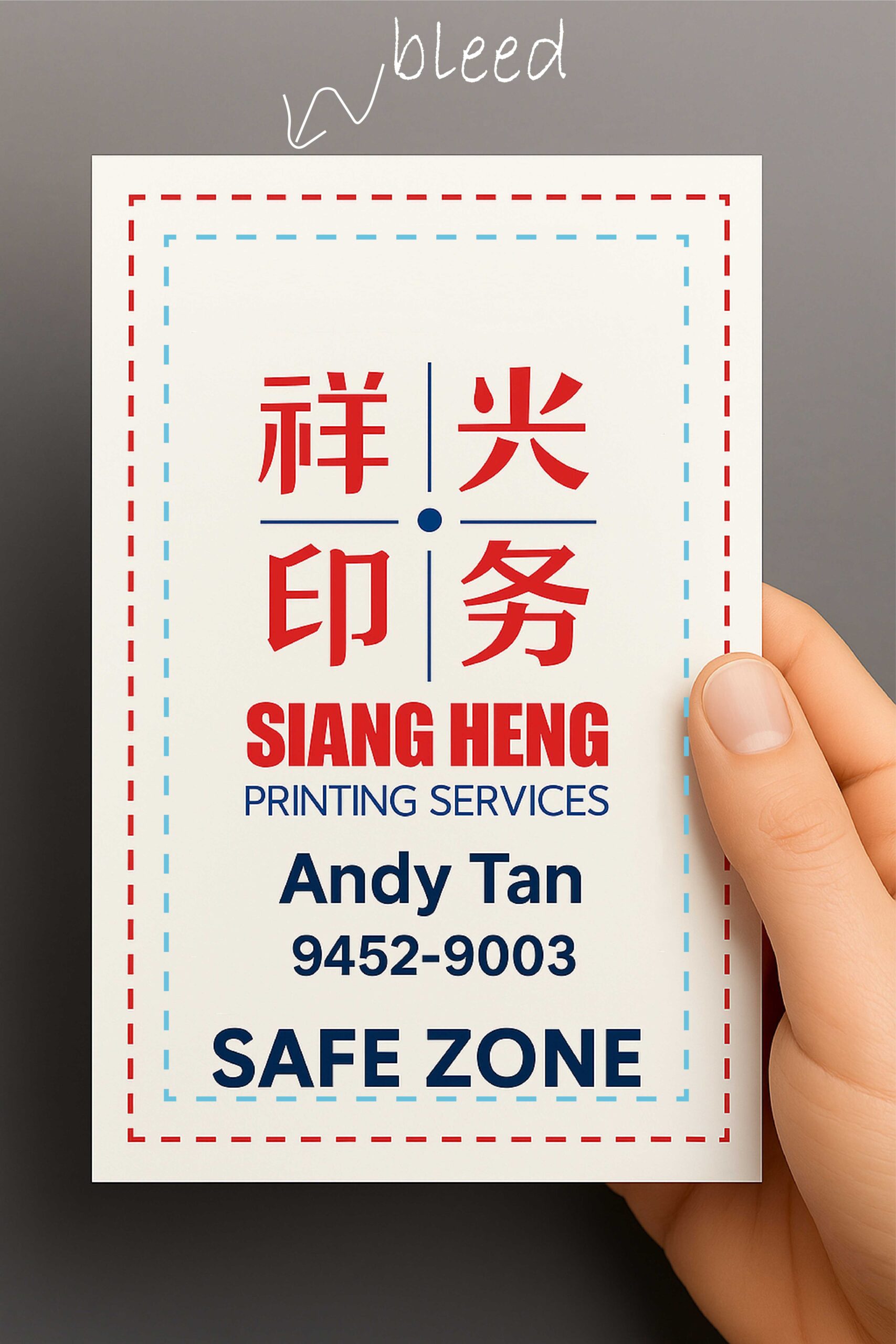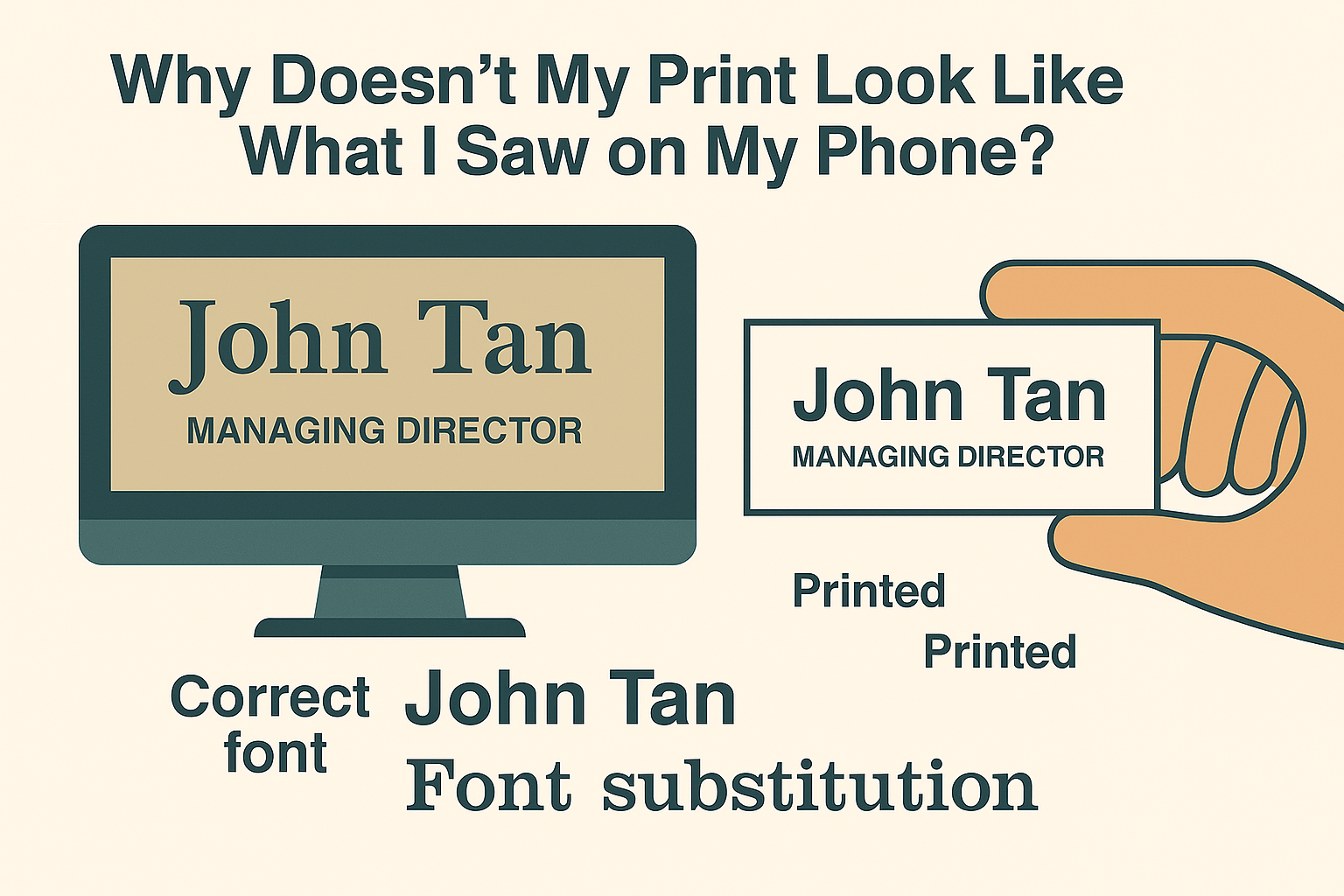
You’ve designed a namecard, picked the perfect font, and submitted your file—only to be asked, “Can you outline your fonts or send the font file?” This is why we always recommend you outline fonts before printing.
At Siang Heng Printing Services, we want your prints to look exactly as you designed them. Font issues are one of the most common causes of layout mishaps in printing, and we’re here to help you avoid them.
❓ Why Do I Need to Send You the Font?
If your artwork isn’t outlined or the font isn’t embedded, we might not have that typeface installed. This can cause:
- Font substitution (think Arial replacing a stylized display font)
- Broken text boxes or odd character spacing
- Misaligned layout or page flow
Sending us your font file (.ttf or .otf) ensures we can view and print your design exactly as intended—especially if changes are needed before outlining.
✏️ What Does “Outlining Fonts” Mean?
Outlining turns your text into vector shapes, preserving how it looks even if the font itself is unavailable.
Here’s how to do it across popular design software:
📐 In Adobe Illustrator
- Select all text
- Click Type > Create Outlines
- Save as AI, EPS, or PDF
🧾 In InDesign
- Select your text
- Go to Type > Create Outlines
- Export as a high-resolution Print PDF
🖼️ In Photoshop
- Select your text layer
- Right-click and choose Convert to Shape
- Alternatively, flatten the file and export at 300 DPI in CMYK
🎨 In Canva
- Click Download
- Select PDF Print
- Check Flatten Text to lock in font appearance
🎯 Need Help?
Unsure whether your fonts are outlined? Just upload your file and our team will do a free check. We’ll guide you through sending font files or helping you outline text properly—because your print layout deserves accuracy.
🖨️ What Happens If You Skip This Step?
Skipping font outlining doesn’t just risk a slightly “off” print — it can delay your entire order. When we receive a file with unembedded fonts, our team has to pause production to flag the issue, request the correct file, and wait for your reply before printing can resume. For time-sensitive jobs like event banners or last-minute name cards, that back-and-forth can mean missing your deadline entirely. Outlining your fonts upfront is the simplest way to keep your print job moving without delays.
📁 Accepted File Formats at Siang Heng
Once your fonts are outlined, we accept print-ready files in PDF, AI, EPS, or high-resolution flattened JPG/PNG (300 DPI, CMYK colour mode). PDF is our most recommended format — it preserves outlined text, embedded images, and layout consistency across almost any design software. If you’re printing bill pads, letterheads, or stickers with fine text details, a properly outlined PDF is especially important, since these products often use smaller font sizes where substitution errors are more noticeable.
❔ Frequently Asked Questions
Does outlining fonts reduce print quality?
No. Outlining converts text into vector shapes, which stay crisp and sharp at any size — it has no impact on print resolution or clarity.
Can I still edit my text after outlining?
Not as regular text. Once outlined, letters become shapes, so we always recommend keeping an original editable copy of your file for future changes, and sending us the outlined version for printing.
What if I don’t have design software to outline fonts myself?
No problem — just upload your original file to us. Our team at Siang Heng can outline it for you as part of our free file-check service. For a technical overview of how vector text conversion works, see this font outlining reference. Ready to place an order? Browse our namecard printing or flyer printing range — we’ll always double-check your fonts before your job goes to print.